


Templates to print yourself
Free print templates for your own dioramas and custom builds, for private use.
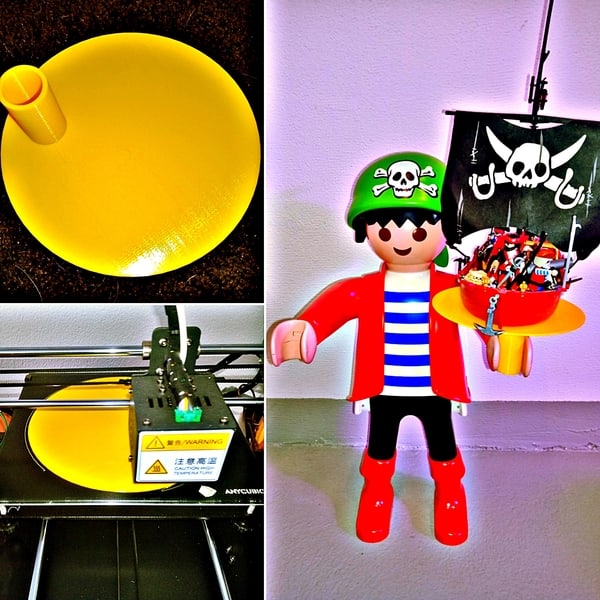
Playmo tray for XXL figures
A tray for XXL figures, sized to fit their hand — for putting down or carrying anything you like.
Download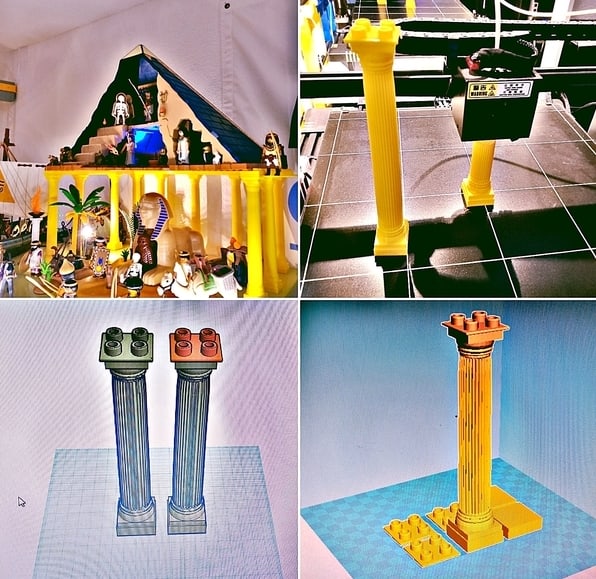
Roman pillars for dioramas
Roman pillars with a hollow base and studs on top, so they combine with DUPLO® bricks for your own constructions.
Download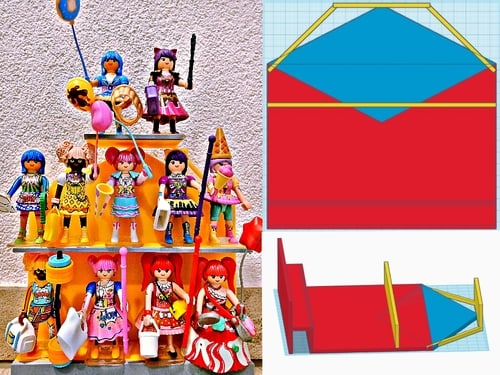
Playmo shelf photo stage
A three-tier stage for photographing Playmo figures — or simply as a stand to display them.
Download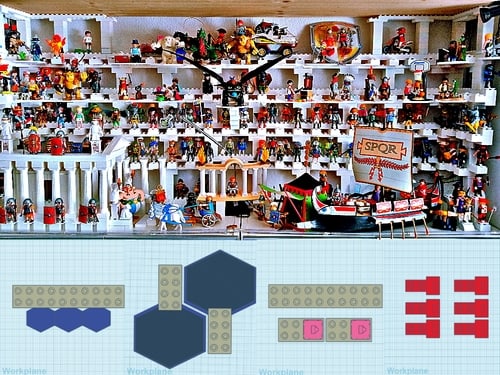
Playmo large shelf building blocks
Building blocks with DUPLO® connectors for a large display shelf, plus terrace pieces and various stands. The shelf in the picture is 1.60 m × 1.20 m and holds around 400 figures.
Download
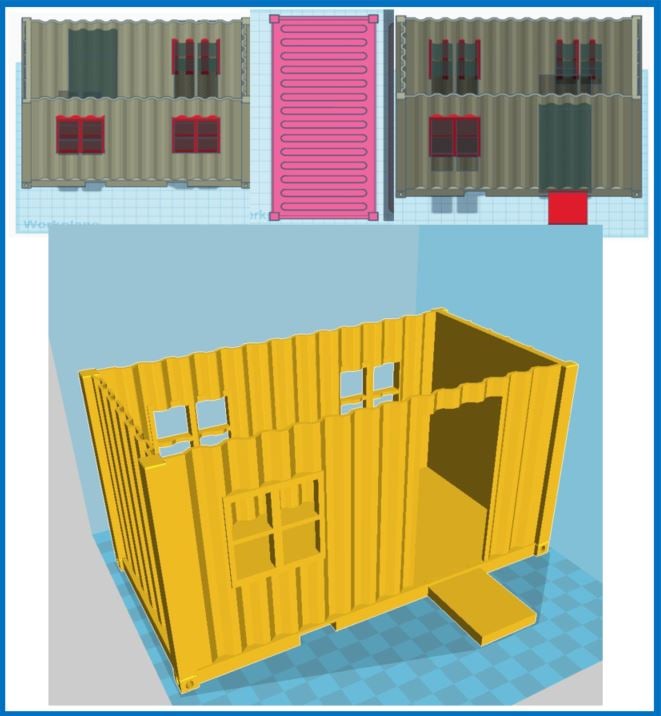
Playmo site container
A site container with a roof, in Playmo scale, for dioramas and action scenes.
Download


1525 downloads
Usage
All templates are licensed under Creative Commons BY-NC 4.0: you may download, print and modify them as long as you credit me as the author and do not use them commercially.
Technical details
I print on Anycubic machines: the i3 Mega S for smaller prints and the Anycubic Chiron for larger ones. Both are excellent value for money and easy to work with. For design I mostly use Tinkercad, a web-based design platform, or Simplify3D, which also handles the slicing. As additional slicing software I use Cura, which came with the printers.
Printers
- Anycubic i3 Mega Sfor smaller prints
- Anycubic Chironfor larger prints
Software
- Tinkercaddesign, web-based
- Simplify3Ddesign and slicing
- Curaslicing, came with the printers
My print settings
These are my standard settings. The infill density varies depending on how solid and sturdy the object needs to be. I print exclusively with PLA filament; for other filaments the settings need to be adjusted accordingly.

